
Cúllar Vega repite el 29N el transporte gratuito a las urnas
Topics Cúllar Vega
Elderly people or those with reduced mobility in the municipality will be able to call Protección Civil so they can be taken to their polling station on Sunday, November 29.
GranadaYa newsroom ·
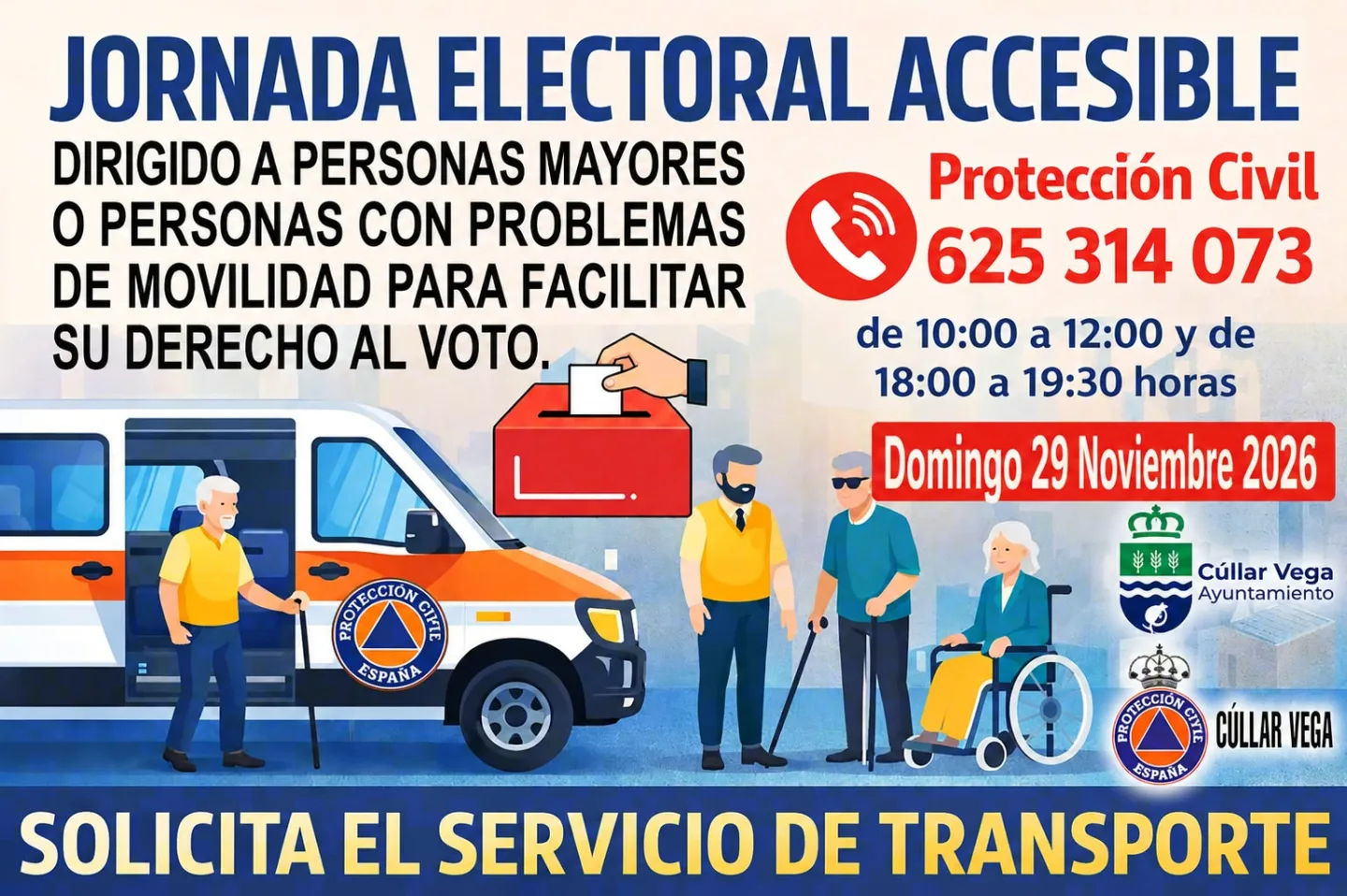
People over a certain age in Cúllar Vega and those with mobility problems have on Sunday, November 29, help to get to their polling station. The City Council and the Municipal Civil Protection Volunteers Group are launching a free transport service throughout the voting day, according to the Council.
The service operates in two periods: from 10:00 to 12:00 and from 18:00 to 19:30. To request transport, you must call the Cúllar Vega Civil Protection phone number, 625 314 073. The service is intended for those who have difficulty getting to the polls on their own, whether due to age or mobility.
The initiative is presented under the name Accessible Election Day and seeks to ensure that no one is left unable to vote because they cannot get to the polling station. The mayor, Jorge Sánchez, explains that "the right to vote is one of the fundamental pillars of our democracy" and that the goal is for all residents to be able to exercise it "under equal conditions, regardless of their age or personal circumstances."
Sánchez also thanked the Civil Protection volunteers, who once again are involved in the municipality's election day.
What you need to do to use the service
Transport is free and you only need to contact Cúllar Vega Civil Protection at 625 314 073 to request it. The service will be available on Sunday, November 29, from 10:00 to 12:00 and from 18:00 to 19:30, and covers travel to the polling station corresponding to each person.
Breaking news from News, on your phone
An alert only when something can't wait. Free, no account needed.
On iPhone, alerts only arrive if you first add GranadaYa to your Home Screen. How to do it, step by step
This browser can't receive alerts. Try another one, such as Chrome or Safari.
You've blocked alerts from GranadaYa in this browser. You can turn them back on in its settings. How to do it, step by step
Only what can't wait. Change or remove it in my alerts
Shall we let you know what matters?
Phone alerts
On iPhone, alerts only arrive if you first add GranadaYa to your Home Screen. How to do it, step by step
This browser can't receive alerts. Try another one, such as Chrome or Safari.
You've blocked alerts from GranadaYa in this browser. You can turn them back on in its settings. How to do it, step by step