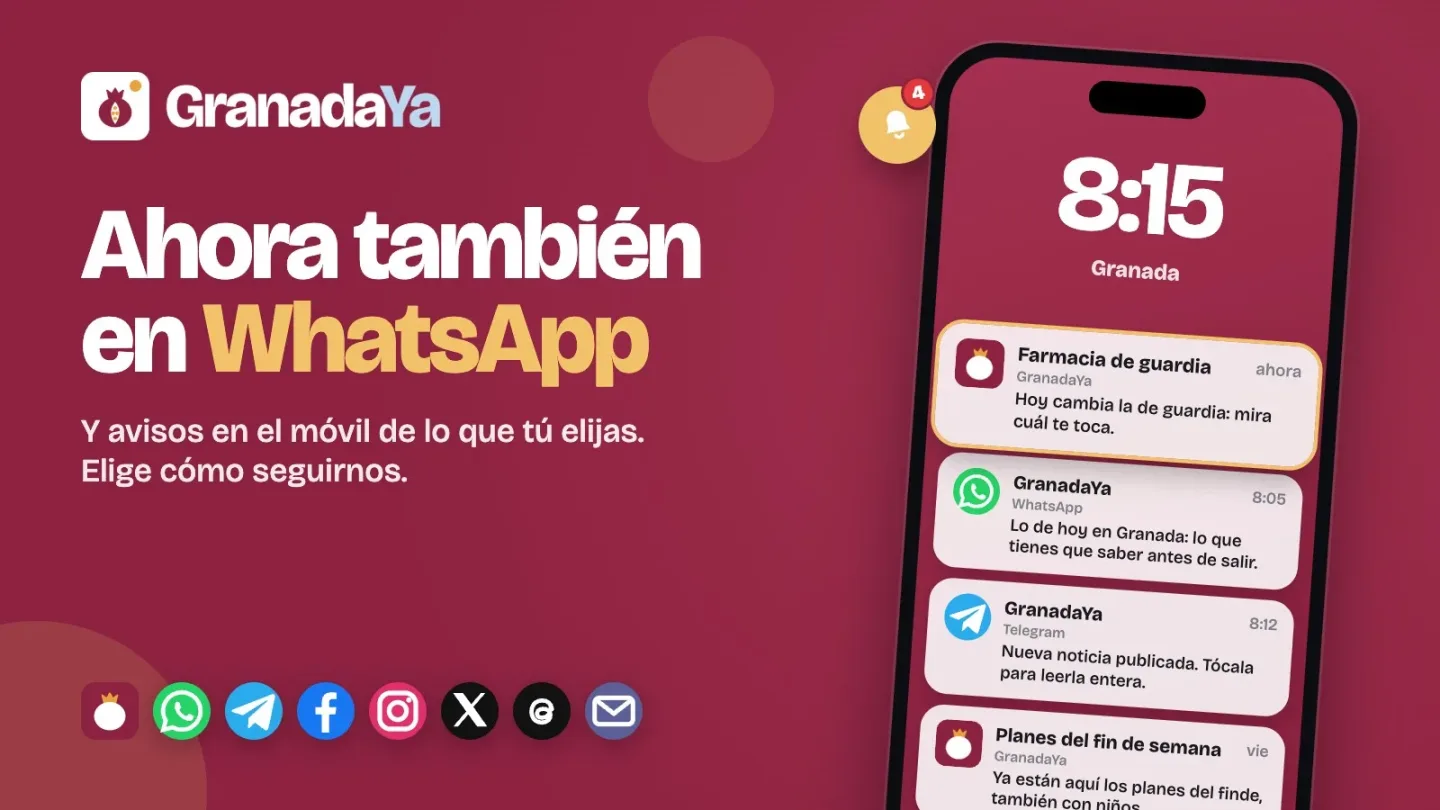
GranadaYa launches a WhatsApp channel and mobile alerts: here's how you can follow the news from Granada
GranadaYa now has a WhatsApp channel. You can follow what's happening in Granada from WhatsApp, Telegram, Instagram and Facebook. We tell you how to sign up for each one and how to receive mobile alerts only about what interests you, the email newsletter and how to have GranadaYa on your mobile as an app.
Redacción
·
Photo: GranadaYa
From the Albaicín to the Costa Tropical, from the Vega to Sierra Nevada: what happens in Granada and its province, as soon as it happens.
There are many ways to follow GranadaYa, and you don't need to use them all: choose the one you use most on your phone. Here they all are, with their link and how to do it.
The WhatsApp channel: the most important, without leaving WhatsApp
On the GranadaYa channel on WhatsApp we publish several times a day the most important of Granada: the news you need to know, the summary of the day and the weekend plans. Few messages, but the ones that matter.
To sign up, open the link from your phone and tap «Follow». You'll find it in the «Updates» tab of WhatsApp. A channel is not a group: only we write, nobody sees your number or who else follows it, and you can mute it or leave it whenever you want. If you want to be notified of every message, tap the channel's bell.
Telegram: all the news, as soon as it is published
On the GranadaYa channel on Telegram every news item appears the moment we publish it: the headline, a short summary and the link to read it in full. You get them all and in order, not only the ones a network decides to show you. To sign up, open the link and tap «Join». Here too nobody sees your number.
Alerts on your phone, only about what interests you
GranadaYa can also notify you on your phone, like one more notification, about what you choose and nothing else. You don't need an account or to give your email, and you can remove it whenever you want. For example:
—The on-duty pharmacy, when it changes.
—Cancelled or diverted flights.
—AEMET alerts for wind, rain, heat or storm.
—The weather each morning, in a summary.
—Announced water cuts.
—Scheduled power cuts.
—Weekend plans and plans with children, every Friday.
—New concerts that enter the agenda.
—Breaking news, only when something happens that can't wait.
And the news of the topics you choose: politics, incidents, courts, economy and employment, health, education, sports, culture and festivities.
How to do it: in the section that interests you, tap the «Notify me…» button (in Pharmacies, for example), and when the phone asks if you allow it to notify you, tap «Allow». On the «My alerts» page you see everything you have activated, choose for how long (always, only today, three days, a week or a month) and remove it. It's in the bell at the top on your phone and at the foot of any page.
On the iPhone there is one step first: alerts only arrive if GranadaYa is on the home screen (we explain it just below) and you open it from its icon. iOS 16.4 or later is required. From 23:00 to 8:00 no automatic alerts arrive, except the most serious weather alerts.
Without downloading anything from any store, you can put GranadaYa on your phone's home screen: it opens with one tap, without the browser bar, like any other application.
—On the iPhone, with Safari: open granadaya.com, tap «Share» and then «Add to Home Screen».
—On Android, with Chrome: open granadaya.com, tap the three dots at the top right and then «Install» (or «Add to Home screen»).
—On a Samsung: «≡» menu at the bottom, «Add page to» and «Home screen».
In our guide you have it step by step, with drawings, for each phone.
If you prefer email, the GranadaYa newsletter arrives once a week with what has happened in Granada and what's coming: the news, the agenda, employment and the aid with an open deadline. It's free, you unsubscribe with one click and your address is not used for anything else.
Google lets you choose your preferred media so they appear first in the top stories when you search for something. If you mark GranadaYa, when you search for something about Granada you'll see ours first. It takes a minute, with your Google account.