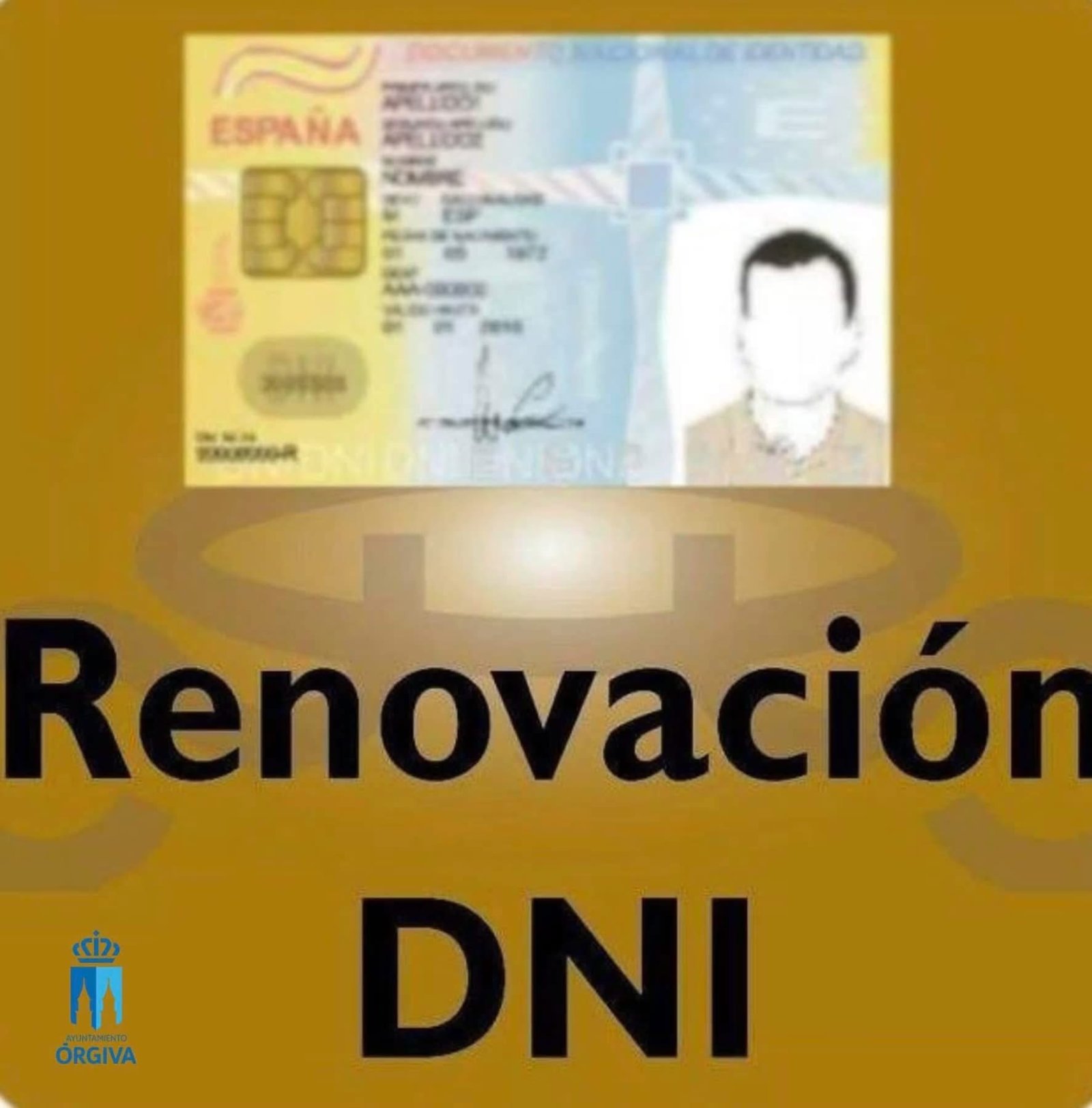
Órgiva opens registration to renew the DNI on December 4
Topics Órgiva Policía Nacional
Órgiva Town Council's registry office accepts from this Thursday applications for the mobile DNI service on December 4, which will also process passports.
GranadaYa newsroom ·
Residents of Órgiva and the surrounding area have had the opportunity since this Thursday, November 26, to sign up to renew their DNI without leaving the municipality. The National Police mobile unit will be set up in Plaza Alpujarra on Friday, December 4, 2026, and will attend people in strict order of registration.
Appointments are requested at the Town Hall's entry registry, which is the body announcing the call. As a new feature, passports can also be processed during this visit.
What to bring and how much it costs
Anyone coming to renew their DNI must bring their current document and a photograph. If they also want to change their address, they will need to add a certificate of registration (empadronamiento). Minors must be accompanied by their father, mother or legal guardian.
For the passport, if the DNI was renewed less than 24 months ago no photograph is needed; otherwise, an up-to-date one must be brought. Minors must come with both father and mother, both with valid DNI, and with the family book.
Payment is made in cash and with the exact amount: 12 euros for the DNI and 30 euros for the passport. The Town Hall asks people to come in an orderly manner.
Appointments can also be requested at a police station
Anyone who cannot get a slot in this call can carry out the procedure at the police stations enabled for it. In that case, a prior appointment must be requested electronically at the DNI prior appointment website.
The deadline to register for the Órgiva appointment has been open since this Thursday, November 26, at the Town Hall's entry registry, and places are assigned according to the order in which applications arrive.
Breaking news from News, on your phone
An alert only when something can't wait. Free, no account needed.
On iPhone, alerts only arrive if you first add GranadaYa to your Home Screen. How to do it, step by step
This browser can't receive alerts. Try another one, such as Chrome or Safari.
You've blocked alerts from GranadaYa in this browser. You can turn them back on in its settings. How to do it, step by step
Only what can't wait. Change or remove it in my alerts
Shall we let you know what matters?
Phone alerts
On iPhone, alerts only arrive if you first add GranadaYa to your Home Screen. How to do it, step by step
This browser can't receive alerts. Try another one, such as Chrome or Safari.
You've blocked alerts from GranadaYa in this browser. You can turn them back on in its settings. How to do it, step by step